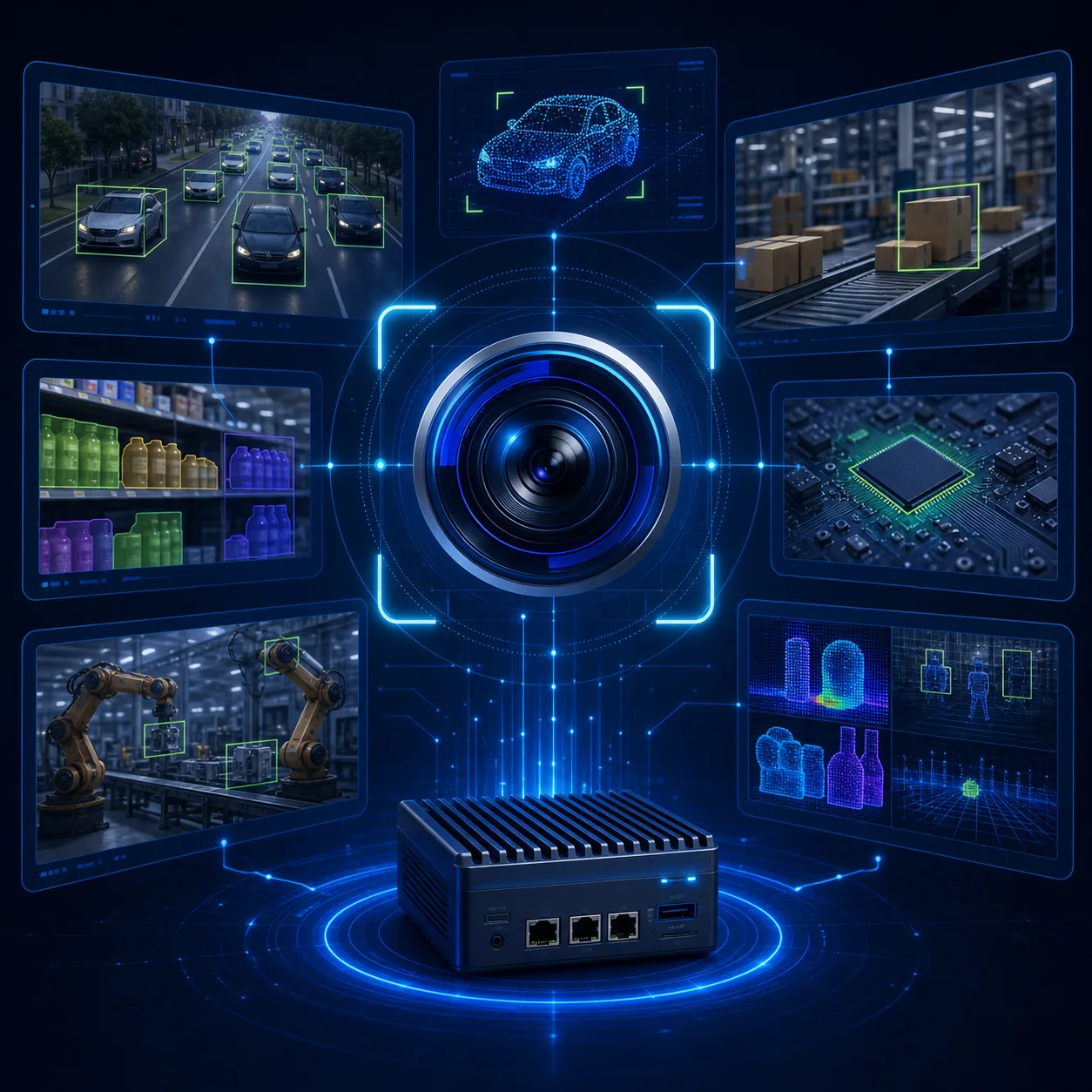
Computer vision solutions help machines interpret images and video — detecting objects, reading documents, monitoring sites, and assisting clinical or industrial workflows. The winners are not flashy demos; they are systems that survive messy cameras, mixed lighting, and real operating schedules.
This guide covers high-ROI use cases and a practical path from pilot to production, based on how we deliver computer vision solutions at NexaGenesisLabs.
Use case 1: Quality inspection and defect detection
Manufacturers and processors use vision models to spot defects, missing parts, or packaging errors on the line. The payoff is fewer escapes to customers and earlier process feedback.
- Define defect taxonomy with shop-floor operators
- Capture representative “hard negatives” (almost-defects)
- Deploy with confidence thresholds and human review for borderline cases
Use case 2: Safety and site monitoring
Cameras can flag PPE gaps, restricted-zone entry, or unusual idle equipment. Treat these as assistive alerts with operator oversight — not silent punitive surveillance — and document privacy expectations clearly.
Use case 3: Document and ID vision
Vision + OCR pipelines extract fields from IDs, invoices, forms, and shipping papers. Pair computer vision with NLP when you also need classification or downstream workflow automation.
Use case 4: Retail and inventory vision
Shelf cameras and mobile capture help track planogram compliance and stockouts. Success depends as much on store operations as on model accuracy.
Use case 5: Healthcare imaging assistance
Clinical imaging AI supports radiologists and specialists with prioritization and second-look signals. These projects require clinical workflow design and strong governance — see how we approach assistive tools in MedAssist AI.
What “production-ready” vision requires
- Problem framing — labels, cameras, edge cases, and success thresholds
- Data & baseline — metrics before fancy architecture
- Deployment fit — cloud API, private cloud, or edge devices for latency
- Human-in-the-loop UI — review queues for ambiguous predictions
- Continuous improvement — retrain on misses without destabilizing the line
Build vs buy (and when to combine)
Off-the-shelf detectors accelerate prototypes. Custom training wins when your defects, cameras, or environment are unique. Many programs combine foundation models with your labeled edge cases — similar to how enterprise AI programs mix platforms with proprietary workflows.
Pilot plan you can run in one quarter
- Week 1–2: Capture data, write labeling guide, agree KPI
- Week 3–5: Baseline model + error analysis
- Week 6–8: Integrate with one camera/line and review UI
- Week 9–12: Shadow mode, then limited production with monitoring
FAQ
Do we need thousands of labeled images?
Not always. Transfer learning and a smart labeling plan often beat waiting for a perfect dataset. Start with the coverage you have, then fill gaps the model fails on.
Can models run on edge devices?
Yes. Edge deployments are common when bandwidth is limited or latency must be low. Architecture depends on your site constraints.
Want help scoping a vision KPI?
Talk to NexaGenesisLabs — share camera setup, defect examples, and the decision the model should improve.